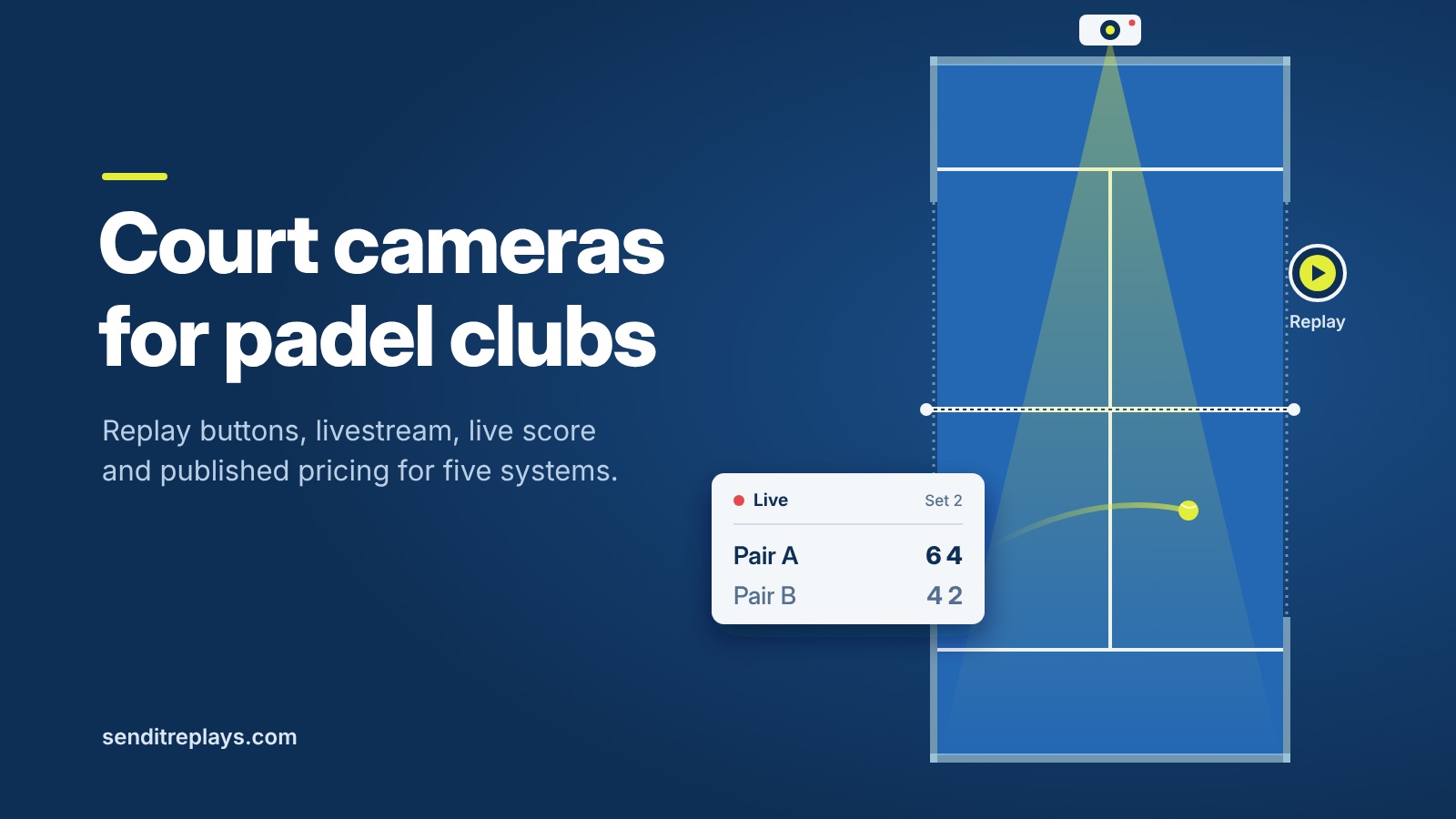
You are looking at court cameras for your padel club. Before you book demos, check how a player saves a clip, whether livestream and live score are included, and what each vendor publishes as a price. Below is five systems, from what each site said on 3 November 2026. Numbers change, so re-check the linked pages before you sign anything.
How players save a replay
Send-It — Wired physical replay button on the court frame
PUSHIT — Physical button; also wireless, phone or smartwatch
Save My Play — Arms-up gesture, wireless Replay Button ($49), or Apple Watch; court QR starts recording
CourtMaster — Gesture to the camera; court QR links the video to the player
Clutch — AI auto-highlights plus a gesture; court QR to start
Some clubs want a button on the frame so anyone can hit it without an app. Others are fine with a gesture or phone. Watch a social night and ask which your members will actually do. There are downsides to both but we can discuss that in another post.
On a busy court the save method has to work when the desk is empty. A wired button stays where you put it. Gesture and phone options need clear signs and a bit of coaching the first week. Ask the vendor how clips land on a player's phone, how long they stay available, and whether staff can pull a clip for a dispute or a coaching session without hunting through accounts.
Livestream and score
Send-It — Livestream: YouTube from the on-court kiosk. Live score: overlay; scorers use QR or OTP on phone or tablet.
PUSHIT — Livestream: live streaming with a built-in scoreboard; destination not named on the homepage. Live score: scoreboard included; embedded scoreboard (BETA) on Pro.
Save My Play — Livestream: YouTube Live simulcast listed under integrations. Live score: live scores and logos can flow into streams and court TVs.
CourtMaster — Livestream: YouTube (€2/h on Starter; unlimited on Pro). Live score: integrated scoreboard; YouTube overlay not stated.
Clutch — Livestream: YouTube from any court. Live score: on Clutch TV club screens; YouTube overlay not stated.
If you run leagues or finals, ask each vendor to show match start, score updates, and the viewer seeing the score on the stream. A stream without the score looks unfinished to people watching from home. A score that only appears on a club TV does not help the YouTube audience. Sit through one demo match end to end. Watch who starts the stream, who updates the points, and what happens when the scorer's phone dies mid-set.
Also ask what happens if the internet drops for a few minutes. Some systems keep recording locally. Others need a stable link for both capture and broadcast. Your venue's Wi-Fi and PoE layout matter here as much as the camera brand.
Published pricing
List prices from each site, not final quotes. Currencies differ. Compare year-one cost as published, then convert with your bank rate if you need rand.
Send-It (ZAR) — Software: padel R1 000 / R900 / R800 (month-to-month / 12 / 24 months). Hardware: court kit R3 950; SA install R2 000 per court; venue control kit R2 000 (up to 29 courts per controller).
PUSHIT (EUR) — Software: from €89 / €99 / €199. Hardware: quote on request; cost not on homepage.
Save My Play (USD) — Software: $49 per court / month. Hardware: cameras one-time $185–$1 499; Replay Button $49.
CourtMaster (EUR) — Software: Starter €45; Pro €65; €150 onboarding per court. Hardware: rented with the subscription.
Clutch (USD) — Software: $179 / $139 / $129 by court count (10% off annual). Hardware: free Clutch Cam included (listed as $399 value).
Send-It lists rand prices and a calculator on its pricing page: https://www.senditreplays.com/pricing The others list euro or US dollar. A quote still needs a venue walk-through for cabling, mounts and travel.
When you compare, add the once-off kit, install, travel, onboarding and any extra cameras. A low monthly fee with rented hardware is a different deal from cheap software plus cameras you buy yourself. Write the year-one total for two or four courts the way your club actually books. Then ask what renews after year one and what notice you need to cancel.
Before you buy
Add up year one: software, cameras, mounts, cabling, onboarding and travel. Confirm if the company services your region. Confirm who installs, where the stream goes, whether the score sits on that stream or only on a club TV, and how members save clips when the desk is busy.
If you are in South Africa, local install and rand pricing cut a lot of friction. If you are overseas, ask who does the physical work, who commissions the software, and how support hours line up with your evening leagues. Get the answers in writing against the published list prices above.
Send-It uses a wired court button, YouTube from a kiosk, phone or tablet scoring, and ZAR pricing, with on-site install available in South Africa. More on the padel page: https://www.senditreplays.com/padel Use the lists to shortlist. An itemised quote still follows a venue review.
Sources
Send-It pricing: https://www.senditreplays.com/pricing (accessed 2026-11-03)
Send-It padel: https://www.senditreplays.com/padel (accessed 2026-11-03)
PUSHIT: https://pushitreplays.com (accessed 2026-11-03)
Save My Play: https://savemyplay.com (accessed 2026-11-03)
CourtMaster: https://court-master.com and https://www.court-master.com/pricing (accessed 2026-11-03)
Clutch: https://clutchapp.io (accessed 2026-11-03)
Questions clubs ask
Do I need an app to save a replay?
Send-It and PUSHIT centre on a physical button. Save My Play, CourtMaster and Clutch lean on gesture, watch or AI, often with a court QR.
Where does the livestream go?
Send-It, CourtMaster, Clutch and Save My Play state YouTube (Save My Play as a simulcast integration). PUSHIT advertises live streaming with a scoreboard but does not name the destination on its homepage.